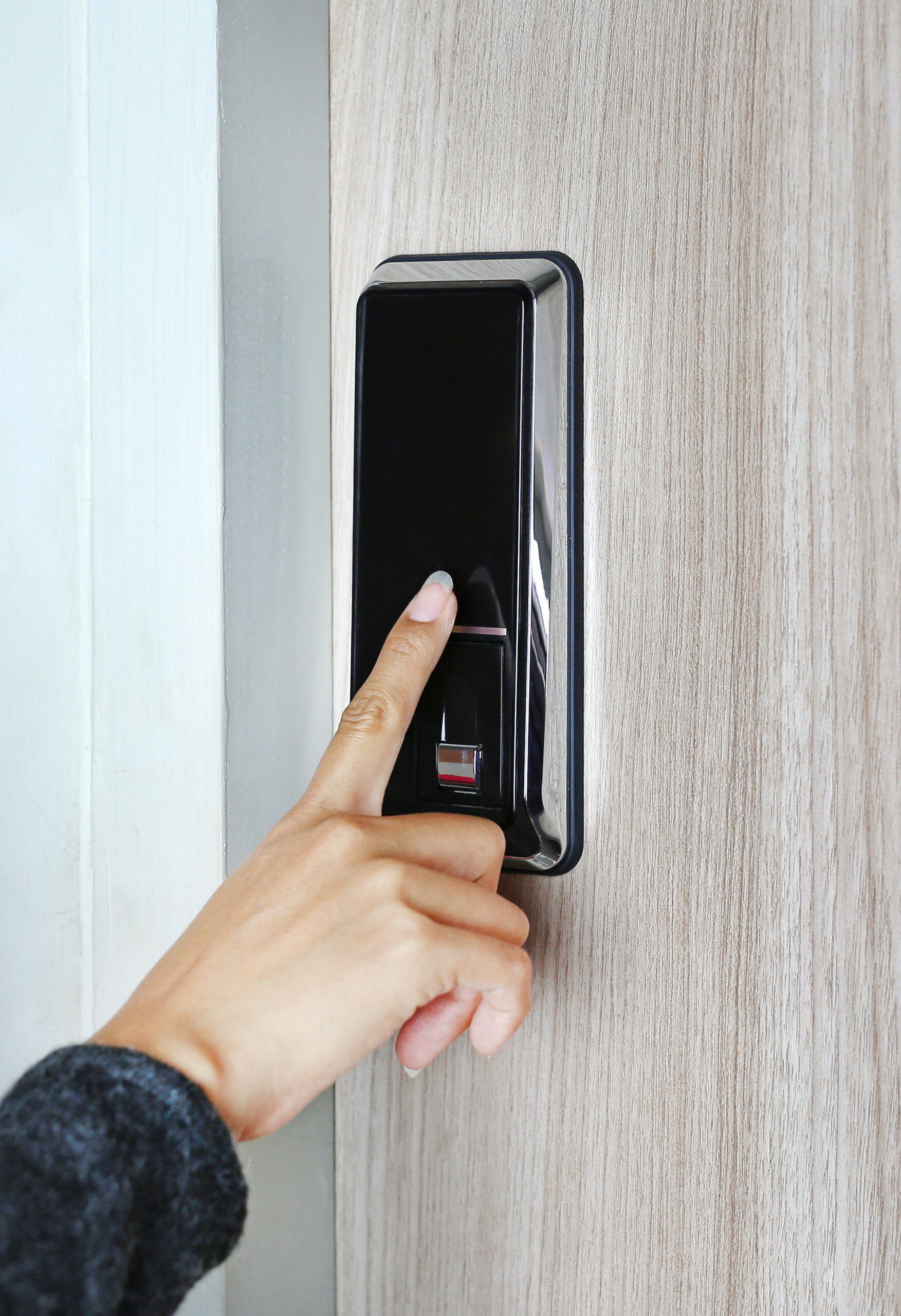
In this blog entry, the professional Chicago smart lock installation team here at Chicago Locksmith will detail some useful tips for choosing the right type of smart lock for your Chicago property.
Choosing a Smart Lock Basics
Always pick a BMHA Grade 1 or 2 deadbolt that fits your door size, matches your ideal access method (keypad, phone, or fingerprint), and connects according to preferred technology (WiFi or Bluetooth. Consider if you want auto-lock, tamper alert, and history auditing features.
Why are smart locks worth it?
Smart locks provide:
- Keyless entry for family, guests, maintenance workers, cleaners, babysitters, and dog walkers
- Activity logs and time-limited pins for security
- Remove locking / unlocking features and alerts if the door is left unlocked
- Full integration with cameras, alarm systems, doorbells, and voice assistants
Confirming Door and Smart Lock Compatibility
- Check your door lock type. Is it:
- A deadbolt with a separate lever or knob? Then choose a smart deadbolt replacement or an interior thumb-turn retrofit that preserves external hardware
- A single piece handle set with an integrated latch: choose a smart lever lock, or separate the handle and the deadbolt
- Determine necessary measurements including bracket, door thickness, bore holes, and handing
- Consider the environment. For exterior doors we recommend hardware that’s weather-rated, as well as gasket seals. Metal or glass doors need wireless signals tested, and mounting depth carefully measured. Doors with short throws or misaligned strikes need to be replaced before smart locks are installed.
- If your door or door frame is misaligned, have a professional locksmith reinforce the frame and adjust the strike plate. This improves both security and battery life!
Choosing Smart Lock Connectivity Type
- WiFi – FUl remote control features without a hub. They use more battery, but are the most convenient for remote alerts and traveling
- Bluetooth – Provides local control from your phone, great battery life with no dependency on routers
- Z-Wave / Wigbee – Ideal for entire home systems through hubs and stable mesh networking
- Matter over Thread – a new standard for reliability in low-power situations and cross-brand compatibility for different smart home devices
If you already use a smart home platform like Alexa, Google Home, or Apple Home, pick a lock that’s natively compatible in order to avoid the need to install extra hubs.
Choosing Smart Lock Access Methods
- Keypad Pins – allows you to share and revoke codes, program time windows and single use codes
- Fingerprint – easy to use, just make sure it properly works in cold or wet weather
- Phone / app – tap to unlock functionality, easy guest access
- Traditional key override features – ideal for network or power outages, but are best matched with high security cylinders
- Key cards / NFC – ideal for elderly or children who don’t want to use applications
Consider Smart Lock Security Features
- We recommend ANSI Grade 1 locks
- Go for locks that issue tampering and forced entry alerts
- We recommend locks with doro position sensing and auto lock features that determine if the door is actually closed
- Two-factor application login features help to prevent strangers from remotely accessing your home
- Work with locks that have end-to-end encryption features and regular firmware updates
- We recommend upgrading to box strikes with 3 inch screw-into-wall studs
Consider Additional Smart Lock Features Including:
- Auto-unlocking for when your hands are full, with geofence verification and privacy settings
- Scheduling including auto-lock at bedtimes, unlocking when alarms disarm, or locking when you leave home
- Total access audit history
- Shared household profiles with separate permissions for family and guests
- A quiet and quickly operating motor
- Ideal styles and finishes to match your existing door hardware
